

不要在home下创建,因为后面会被删除
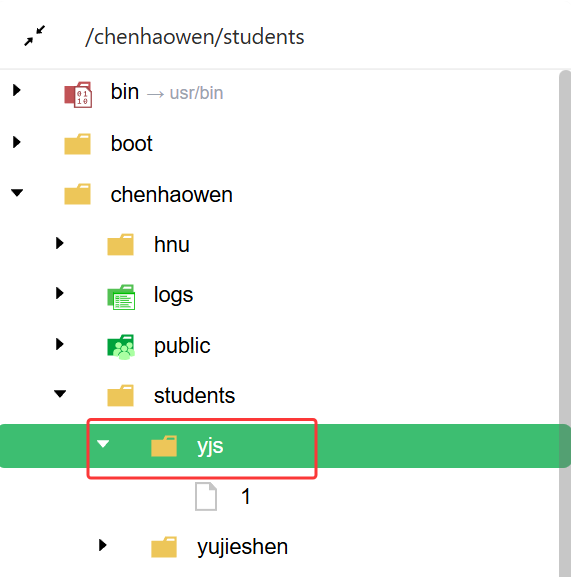
只让他访问/chenhaowen/students/yjs这个文件夹:
root下执行:
useradd -m -d /chenhaowen/students/yjs -s /bin/bash yjs
echo 'yjs:hnu123@' | chpasswdmkdir -p /chenhaowen/students/yjs
chown -R yjs:yjs /chenhaowen/students/yjs
chmod 755 /chenhaowen
chmod 755 /chenhaowen/students
chmod 700 /chenhaowen/students/yjschmod 711 /chenhaowen/hnu
chown -R yjs:yjs /chenhaowen/hnu/frp_0.68.0_linux_amd64
chmod -R 755 /chenhaowen/hnu/frp_0.68.0_linux_amd64
然后
su yjs
cat >> ~/.bashrc <<'EOF'
source /opt/conda/etc/profile.d/conda.sh
export PATH=/opt/conda/bin:$PATH
EOF
source ~/.bashrc
内网穿透:
cd /chenhaowen/hnu/frp_0.68.0_linux_amd64
nohup ./frpc -c ./frpc.toml > frpc.log 2>&1 &
转载自CSDN-专业IT技术社区
原文链接:https://blog.csdn.net/weixin_43135178/article/details/159736421

